Built to reduce cognitive load
Looking at a circle beats reading numbers
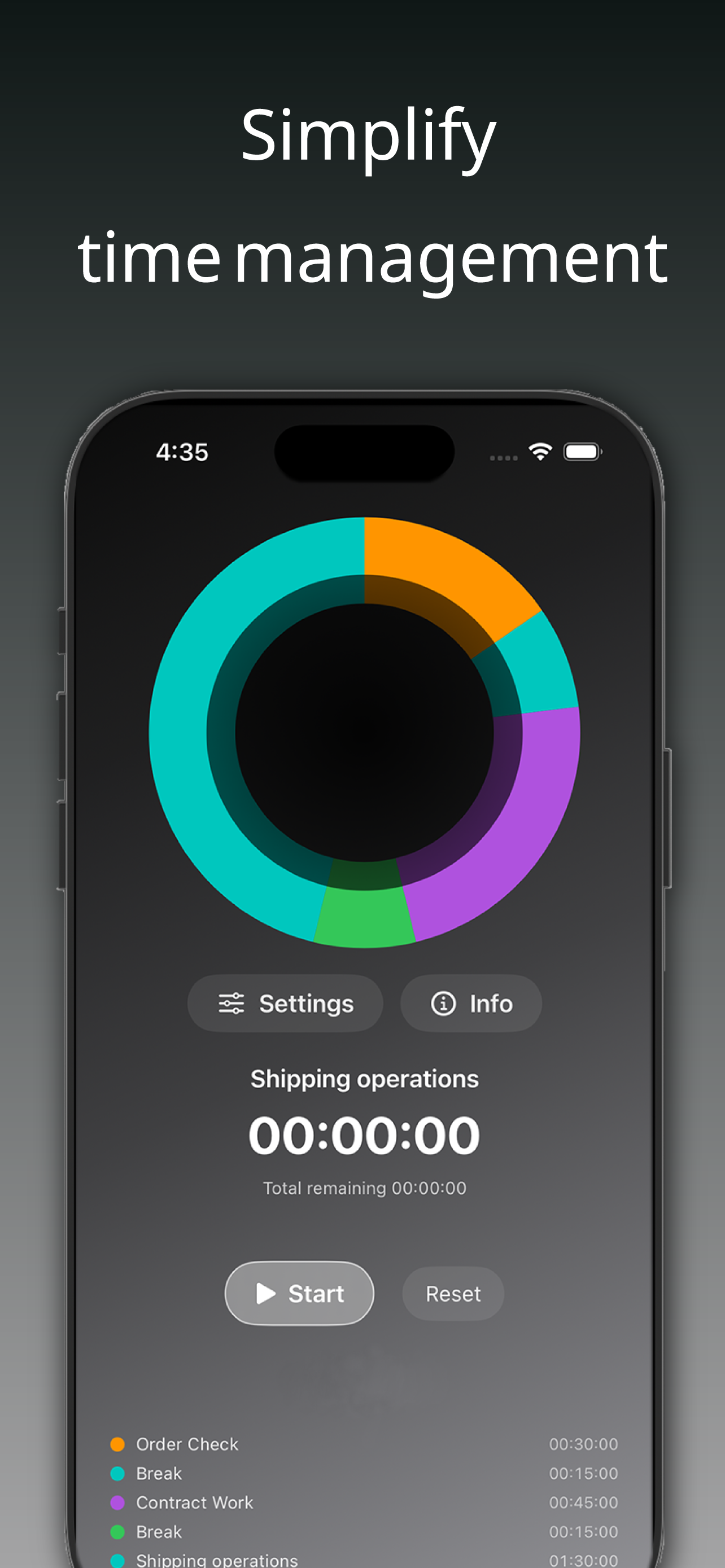
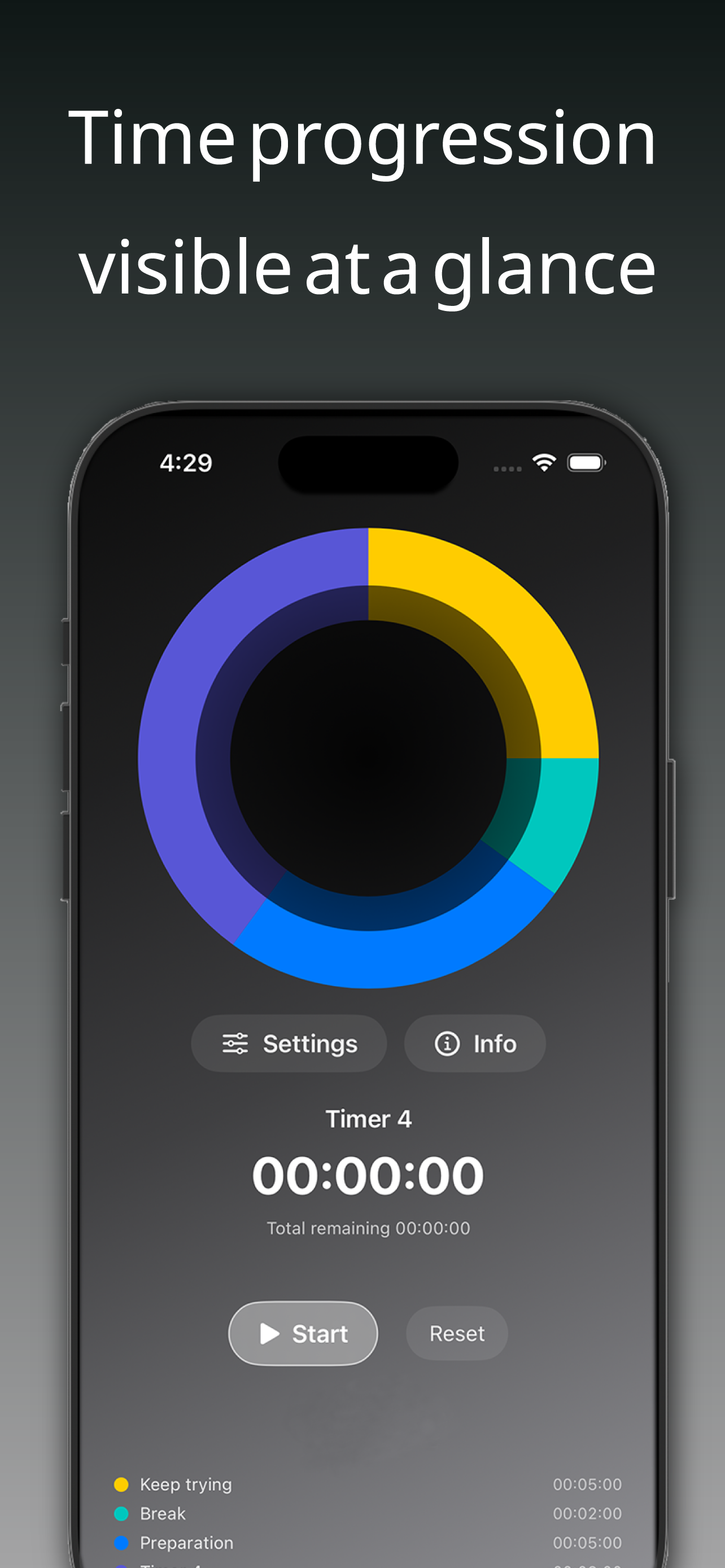
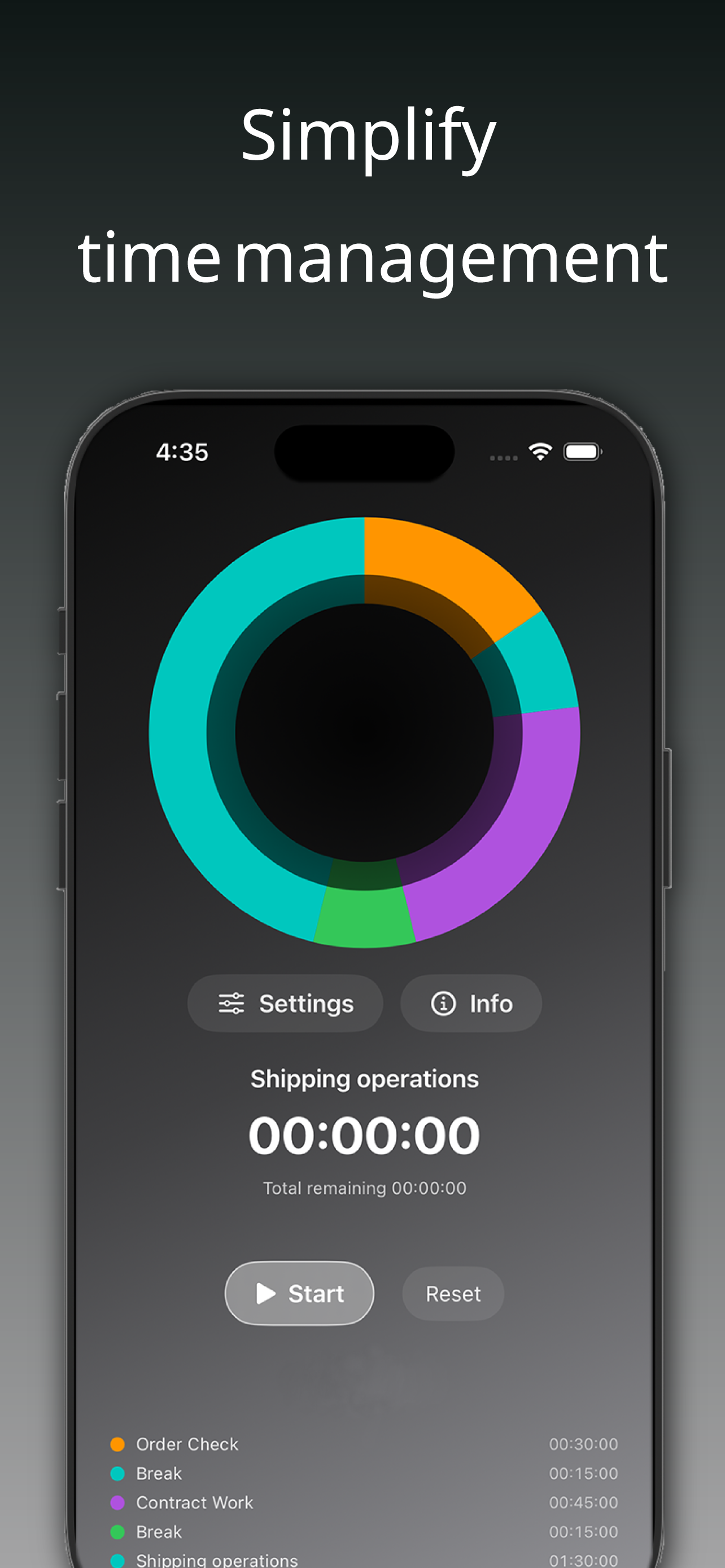
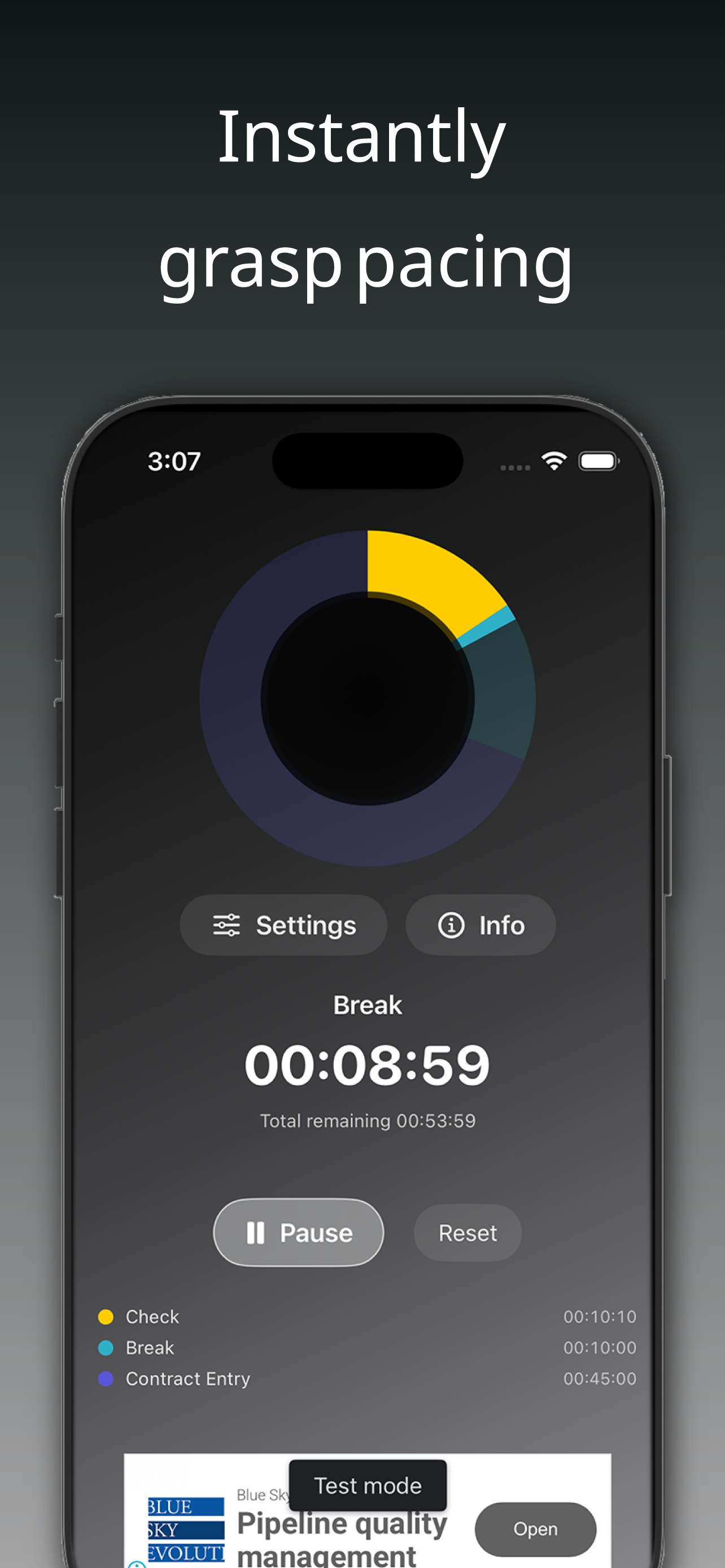
Time feels intuitive when you see it. Watching a circle shrink shows how much is left, cutting the burden of language processing.
Time is better seen than read
A quiet timer that shows progress as a circle so you instantly know where you are, reducing the burden of reading numbers and lightening cognitive load.
No forcing it—just a calm sense of where you stand.

Do these feel familiar?
Watching numbers and notifications piles up cognitive load and makes you tired. LOOP eases the burden of reading and quietly supports you visually.
First, the small everyday frustrations.
And the deeper, harder-to-name moments.
Built to reduce cognitive load
Time feels intuitive when you see it. Watching a circle shrink shows how much is left, cutting the burden of language processing.
The circle quietly shrinks. No decoding numbers, so focus stays intact.
No flashy motion or harsh alerts—soothing colors and light feedback keep things steady.
Progress and remaining time live on the same circle, visible even from a distance.
What Loop does
"Glance, not read" end to end. Everything happens on the circle—no memorizing steps.
Trace the circle to set length. Start without typing numbers.
Color and shrinkage show what is left, keeping cognitive load low.
Tap the same circle to stop, then resume without losing flow.
Add +5 minutes on the spot. Adjust pace with ease.
Gentle sound and haptics notify you, ready for the next loop.
Quiet, companion-style time management
Designed for busy minds, easily overstimulated people, and anyone who often loses their sense of time.
A quiet design intent
This is not a timer to push you. It is built so only the essentials reach you calmly, keeping heart rate steady. It is a companion, not a controller, to ease the mental traffic a little.
What you may feel
Less about features, more about how it feels.
A visual timer shows where you are now, easing anxiety.
Reading numbers less often keeps your workflow intact.
Quietly repeating focus and breaks brings stable pacing.
Who is it for?
App preview
Place about three iPhone screenshots here (home, in progress, complete).
Circular, no confusion
Free to try. No loud effects or pushy wording—just a quiet timer.